Using Gamma.app to transform messy notes into professional pitch decks
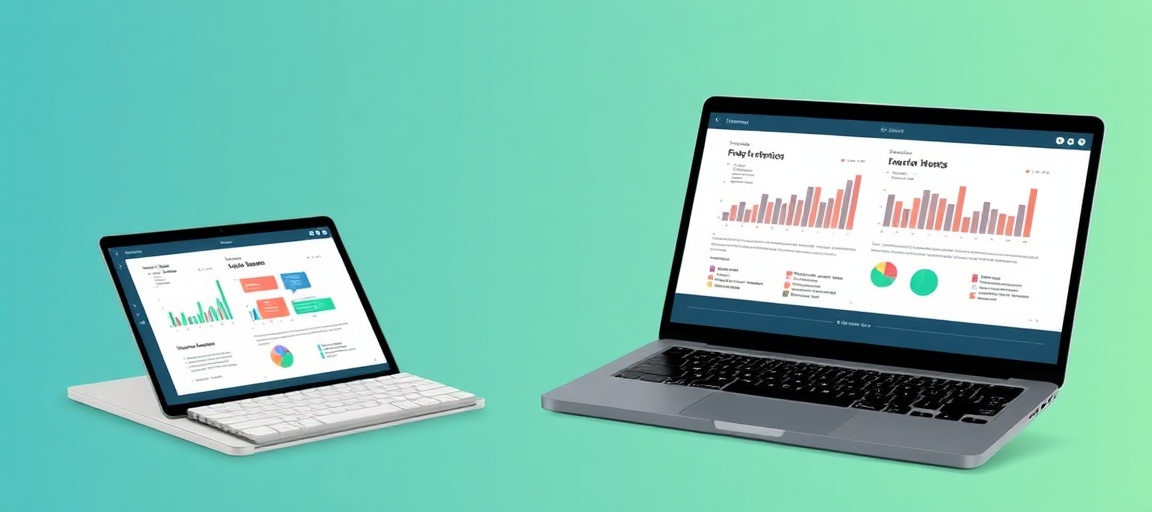
Creating a pitch deck is often the most dreaded task for founders and freelancers. You have the ideas and the data, but staring at a blank Google Slides template for hours is a productivity killer. Gamma.app has emerged as a game-changer by using AI to handle the design, layout, and structure of your presentations based on simple text input.
What is Gamma.app?
Gamma.app is an AI-powered design tool that sits somewhere between a document and a slide deck. Unlike traditional presentation software, Gamma uses a fluid grid system that automatically adjusts your content to look professional on any screen. For busy creators and business owners, it eliminates the need to fiddle with text boxes and alignment.
Step-by-Step: From Notes to a Polished Deck
The most practical way to use Gamma is through its “Paste Text” feature. Here is how you can turn a brain-dump of notes into a client-ready presentation in under five minutes.
1. Prepare Your Raw Content
You don’t need a formal outline. You can take your rough meeting notes, a project brief, or even a transcript from a voice memo. As long as the core information is there, Gamma’s AI can categorize it into logical slides.
2. Use the ‘Text-to-Deck’ Feature
Inside the Gamma dashboard, select “Create New with AI” and choose the “Paste Text” option. Paste your notes into the window. You can then instruct the AI on the tone of voice—for example, “Professional and persuasive” or “Minimalist and modern.”
3. Select a Design Theme
Gamma provides a variety of pre-set themes. Rather than picking a static template, you pick a visual style (colors, fonts, and button styles). The AI then applies this style dynamically across all cards, ensuring your brand looks consistent without manual editing.
4. Refine with the AI Editor
Once the deck is generated, you aren’t stuck with what the AI produced. You can use the built-in AI chat sidebar to make specific changes. For example, you can highlight a section and type: “Turn this paragraph into a three-column list with icons,” or “Rewrite this slide to be more punchy.”
Why This Works for Small Businesses
- Speed: You can go from an idea to a shareable link in the time it takes to make a cup of coffee.
- Responsiveness: Gamma decks are web-based. When you send a link to a lead or a client, the deck looks perfect on a smartphone, whereas a PDF or PPT file often requires zooming and scrolling.
- Analytics: Gamma allows you to see who has viewed your deck and which slides they spent the most time on, providing valuable feedback for your sales process.
Best Practices for Better Results
To get the most out of Gamma.app, keep these three tips in mind:
- Use Headers: In your raw notes, use clear headings to help the AI understand where one slide should end and the next should begin.
- Incorporate Interactive Elements: Gamma allows you to embed live websites, Loom videos, and Typeforms directly into the slides. Use these to make your deck more engaging than a static presentation.
- Custom Branding: If you are on a Pro plan, upload your brand fonts and logo immediately so every deck you generate is automatically on-brand.
Ready to work with real humans?
Join thousands of verified professionals on HireHumans.