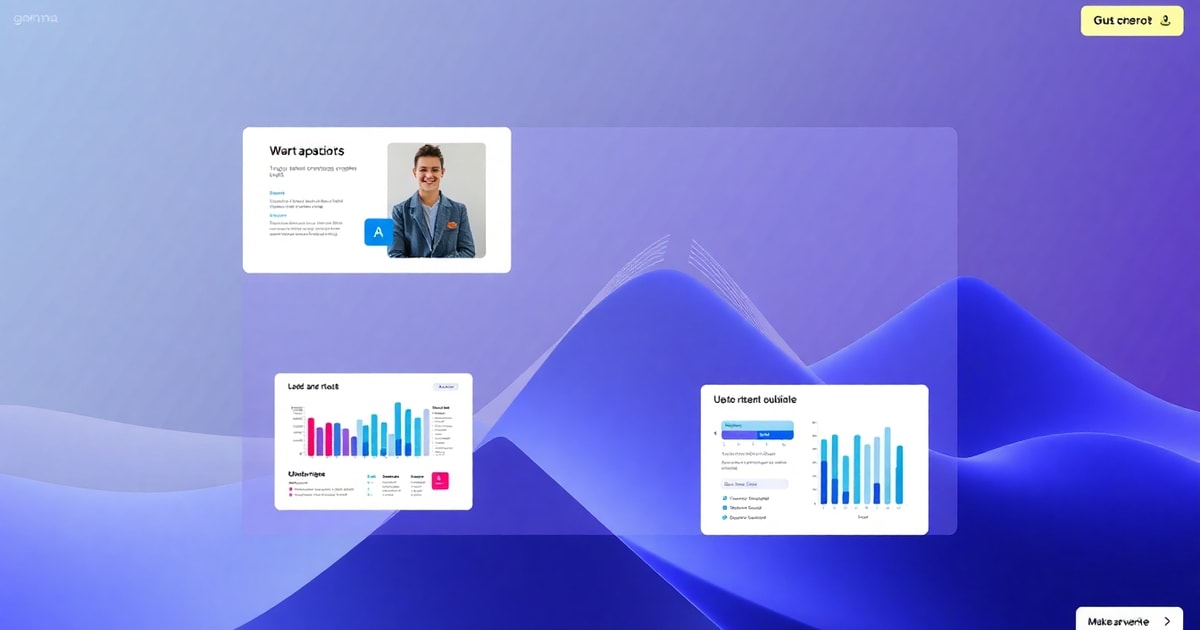
Using Gamma to create professional business presentations and pitch decks instantly.
For most founders and freelancers, the hardest part of starting a new project isn’t the work itself—it is the “blank slide” problem. Spending hours tweaking fonts, alignment, and color schemes in PowerPoint or Google Slides is a massive time sink that pulls you away from building your business.
What is Gamma?
Gamma is an AI-powered design tool that creates presentations, documents, and even simple websites from a single text prompt. Unlike traditional slide software, Gamma uses a fluid, block-based system that automatically adjusts your layout as you add content, ensuring your deck always looks professional without manual formatting.
How to Generate Your First Deck in 5 Minutes
If you have a meeting tomorrow and no slides ready, follow these steps to get a draft that looks like it took days to design:
- Start with a Prompt: Open Gamma and select the “Create with AI” option. Choose “Presentation” and type in a brief description of your topic. For example: “A seed funding pitch deck for a sustainable coffee subscription service.”
- Refine the Outline: Gamma will generate a suggested outline. You can add, delete, or reorder slides here before the AI starts designing. This is where you ensure your unique value proposition is highlighted.
- Pick a Theme: Choose from dozens of professional themes. Don’t worry about being perfect—you can change the entire look of the presentation with one click later.
- Let the AI Build: Click generate and watch as Gamma creates layouts, finds relevant images, and writes initial copy for every slide.
Refining Your Content for a Professional Finish
The AI provides the foundation, but your expertise makes it a winning deck. Use these features to polish your work:
1. Use the AI Editor for Tweaks
Instead of manually resizing images, you can click the “Edit with AI” button and type commands like “Make this section more concise” or “Change this list into a three-column layout with icons.”
2. Add Interactive Elements
Static slides can be boring. Gamma allows you to embed live web pages, YouTube videos, or even Typeforms directly into your slides. This keeps your audience engaged during a pitch or a client proposal.
3. Real-time Collaboration
Like Google Docs, you can invite your team to comment or edit in real-time. This is perfect for small teams who need to finalize a deck quickly before a big meeting.
Practical Use Cases for Small Businesses
Gamma isn’t just for startup pitches. Here is how you can use it in your daily workflow:
- Client Onboarding: Create a personalized “Welcome Guide” for new clients that looks better than a standard PDF.
- Project Proposals: Send a link to a Gamma deck instead of an email attachment to track when the client actually opens and views your proposal.
- Internal Reports: Quickly visualize monthly marketing results or team updates without wasting the whole afternoon on design.
By moving away from the rigid constraints of traditional slides and using Gamma’s fluid design system, you can focus on your message while the AI handles the aesthetic heavy lifting.
Ready to work with real humans?
Join thousands of verified professionals on HireHumans.