Using Gamma to create interactive pitch decks and presentations
For most founders and freelancers, the hardest part of a new project isn’t the idea—it’s the pitch deck. Spending hours wrestling with PowerPoint alignment, searching for high-res images, and formatting bullet points is a massive time sink that pulls you away from actual business growth.
The Solution: What is Gamma?
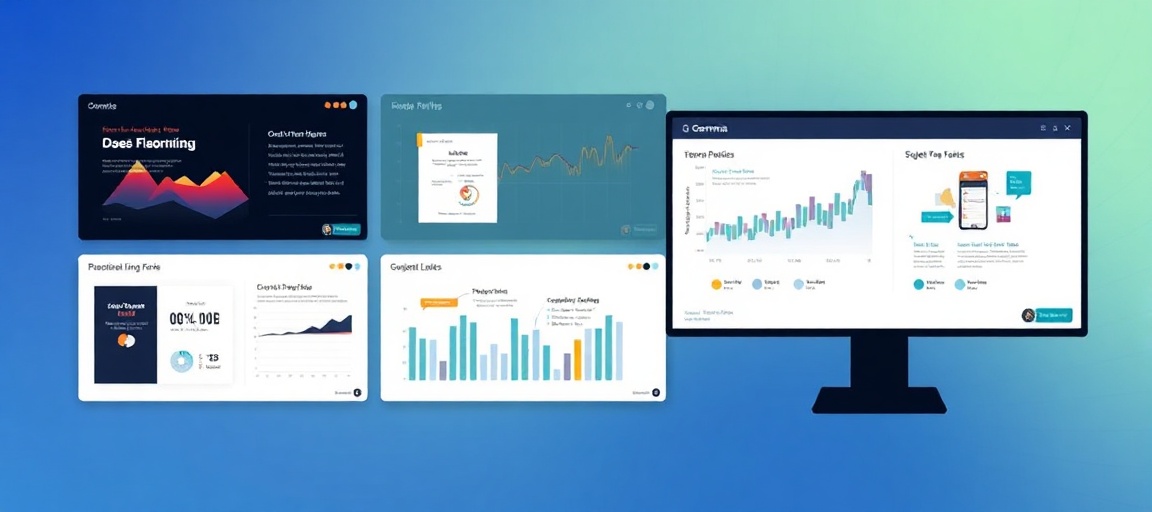
Gamma is an AI-powered presentation tool that moves away from the traditional “slide” format. Instead of forcing you to design every pixel, it uses a flexible fluid engine to create interactive “cards.” You provide the text or a prompt, and Gamma builds a visually polished, professional presentation that looks great on both desktops and mobile devices.
Step-by-Step: Creating Your First Deck
1. Start with a Prompt or Document
When you open Gamma, you have three choices: start from a blank page, import a document, or generate from a prompt. For the fastest results, choose ‘Generate.’ Simply type in your topic, such as “A freelance marketing proposal for a local coffee brand.”
2. Refine the AI Outline
Gamma will suggest an outline. Don’t skip this part. You can add specific sections like “Pricing Packages” or “Case Studies” right here. The better your outline, the less editing you will do later.
3. Select Your Visual Identity
Unlike traditional templates that are hard to change, Gamma allows you to pick a ‘Theme.’ These themes control fonts, colors, and button styles globally. You can switch themes at any time without breaking your layout.
4. Use the AI Editor for Content Tweaks
Once the deck is generated, you don’t have to manually move boxes. Use the “Edit with AI” sidebar. You can highlight a paragraph and tell the AI to “Make this into a three-column list” or “Find an image of a modern office for this section.”
Why Gamma Beats Traditional Slides
- Interactive Elements: You can embed live websites, Loom videos, and Typeforms directly into your cards.
- Analytics: When you send a Gamma link to a client, you can see if they actually opened it and which cards they spent the most time on.
- Responsive Design: Your deck automatically adjusts for someone viewing it on a smartphone, unlike a static PDF.
- No Design Skills Required: The tool maintains consistent spacing and typography automatically.
Real-World Use Cases
Gamma is particularly effective for several daily business tasks:
- New Client Proposals: Send a live link that looks like a high-end mini-website rather than a clunky email attachment.
- Internal Team Briefs: Quickly visualize a project roadmap or a new process without spending all afternoon on design.
- Lead Magnets: Create an interactive “Guide” that people can access via a URL, which feels more modern than a downloadable PDF.
By shifting your workflow from “designing slides” to “refining content,” you can cut your presentation creation time by 80%. Gamma isn’t just a shortcut; it’s a more professional way to communicate your ideas in a digital-first world.
Ready to work with real humans?
Join thousands of verified professionals on HireHumans.